Unlocking the Mystery of WiFi Smart Bulbs
WiFi smart bulbs are one of the most popular and beginner-friendly smart home devices available today. They offer an easy way to control lighting using a mobile app or voice commands, without the need for complicated wiring or professional installation.
If you are curious about how WiFi smart bulbs work and whether they are right for your home, understanding their features and benefits can help you make a more confident choice.
What Are WiFi Smart Bulbs?
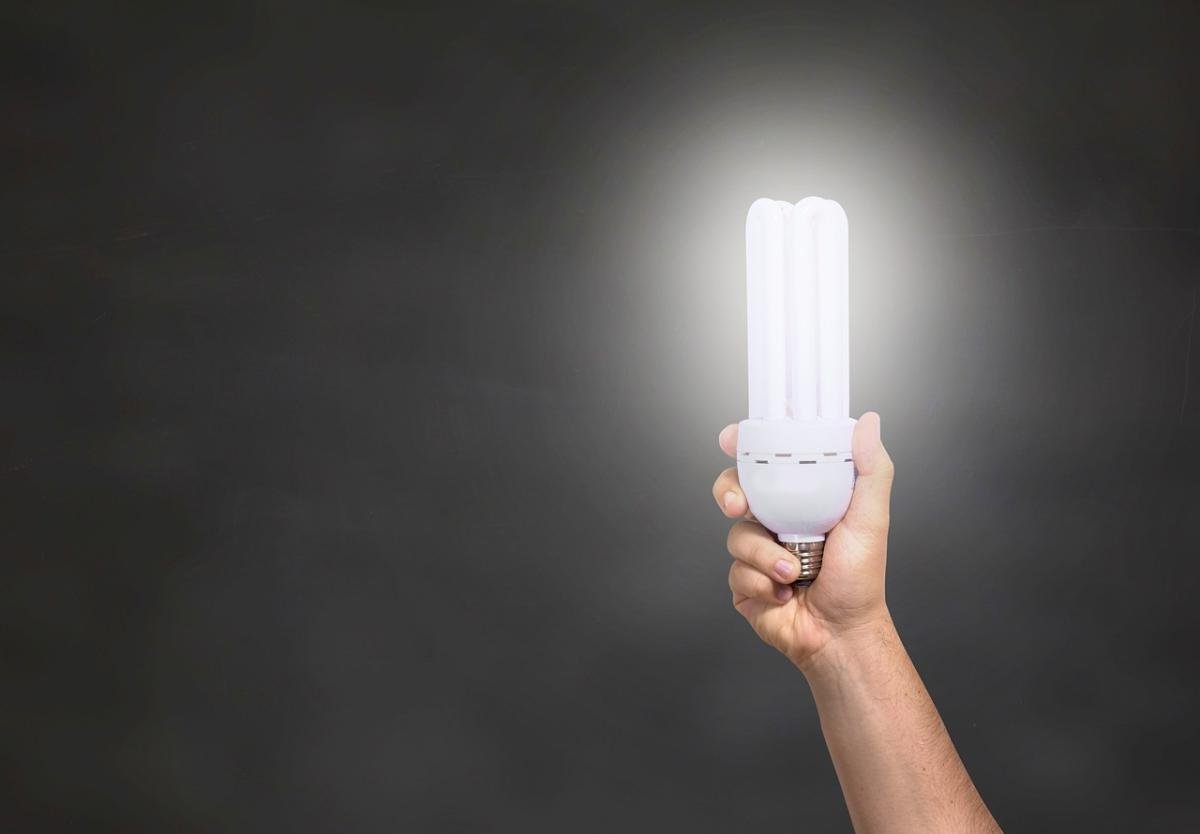
WiFi smart bulbs are light bulbs that connect directly to your home’s wireless network. Unlike traditional bulbs, they allow remote control through a smartphone app and often integrate with voice assistants and other smart home devices.
Because they connect through WiFi, these bulbs do not usually require a separate hub. This makes them a popular entry point into smart lighting for beginners and casual users.
How WiFi Smart Bulbs Work
Once connected to your WiFi network, smart bulbs can receive commands from an app or voice assistant. This allows you to turn lights on or off, adjust brightness, and in many cases change colors or color temperature.
Many WiFi smart bulbs can be scheduled to turn on automatically or respond to routines, such as dimming lights in the evening or turning them on when you arrive home. These features make them a simple yet powerful automation tool.
Benefits of Using WiFi Smart Bulbs
One of the main benefits of WiFi smart bulbs is convenience. You can control lighting from anywhere using your phone, which is useful for both daily routines and added peace of mind when you are away.
WiFi smart bulbs also offer flexibility. They work well in apartments, bedrooms, and living spaces where replacing switches may not be practical. Many users pair them with smart speakers for hands-free voice control.
WiFi Smart Bulbs vs Other Smart Lighting Options
While WiFi smart bulbs are easy to use, they are just one part of a broader smart lighting ecosystem. Some homeowners prefer smart light switches for whole-room control, while others add smart light strips for decorative or accent lighting.
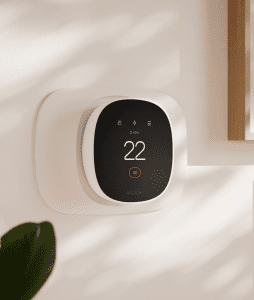
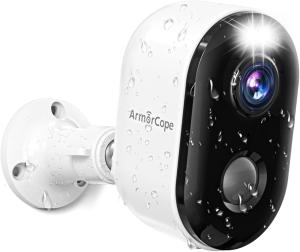
In larger setups, combining bulbs with smart home hubs can improve coordination between lighting, security, and climate control devices.
Are WiFi Smart Bulbs Right for You?
WiFi smart bulbs are a great choice if you want quick installation, flexible control, and minimal setup. They are especially well-suited for renters or anyone starting their smart home journey.
If you plan to expand into advanced automation later, WiFi smart bulbs can still play an important role as part of a larger smart lighting and home automation system.
Explore our smart bulbs and smart lighting categories to compare options and discover lighting solutions designed for modern, connected living.
WiFi smart bulbs are part of the broader Smart Lighting category and often pair well with Smart Light Switches or Smart Home Hubs.
WiFi smart bulbs are a core part of Smart Lighting and work especially well when paired with Smart Light Switches. In larger setups, Smart Home Hubs can help coordinate lighting with other smart devices.